


Cricut Explore Air 2 Starter Bundle
RCTST06
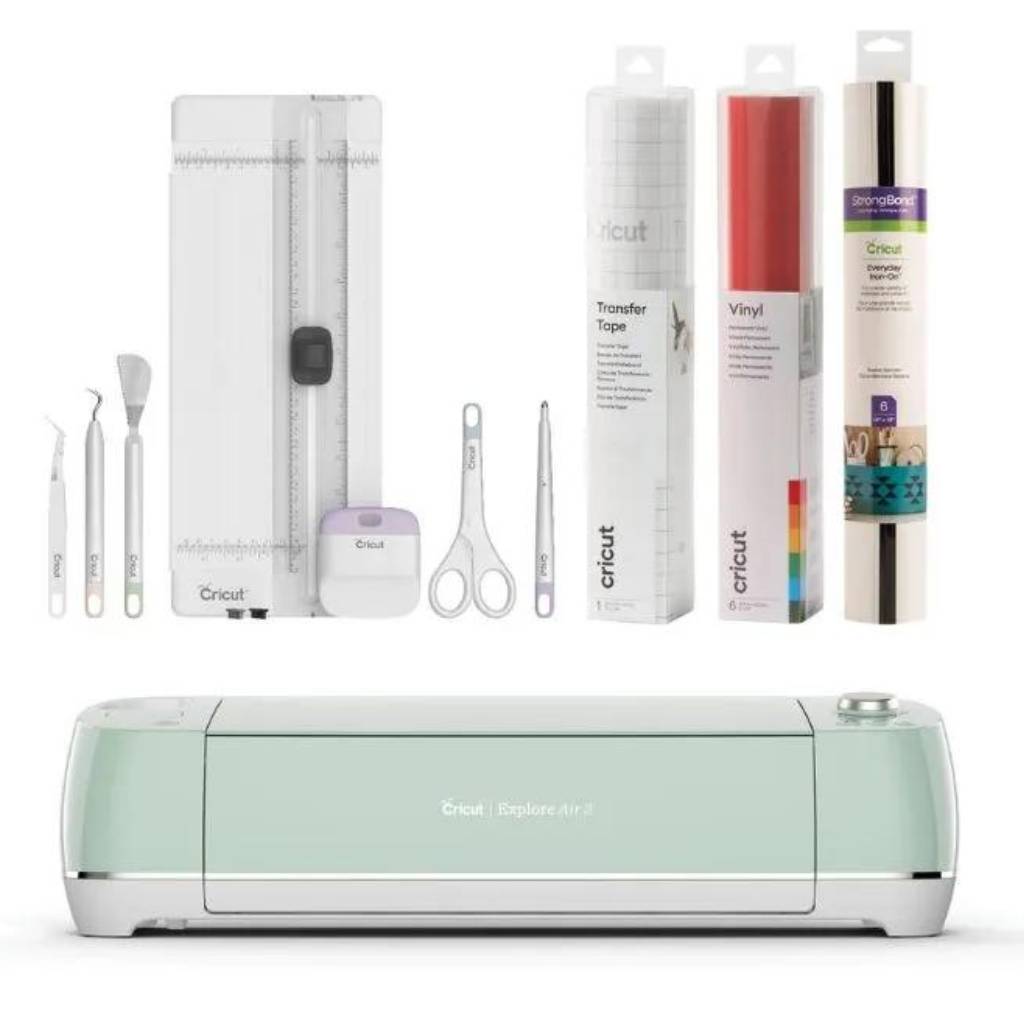
Includes: Explore Air 2 Machine in Mint colour, 13-inch tool set, Standard Grip transfer tape, Everyday Iron on Sampler, Everyday premium vinyl Sampler
*Samplers will vary dependent on availability
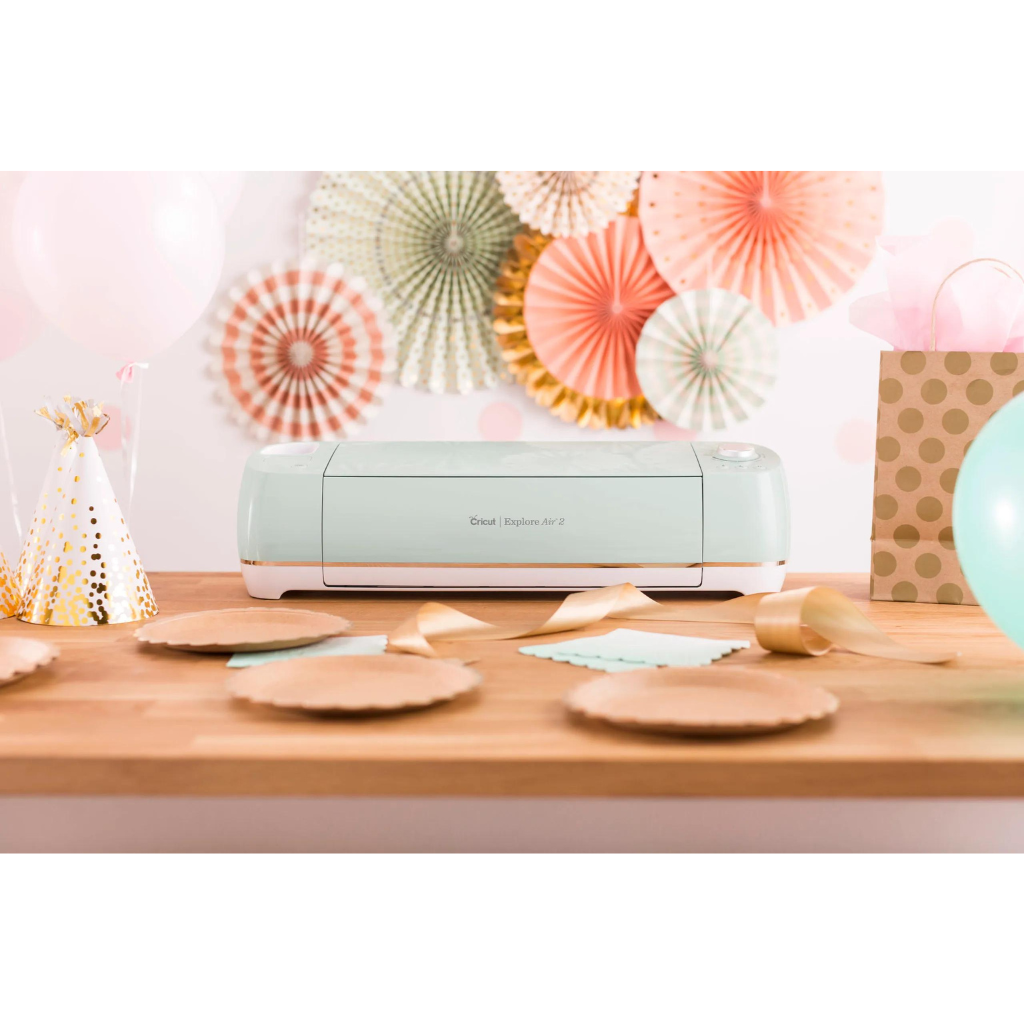
Make DIY dreams come true with our classic cutting machine, designed with simplicity and value in mind for every crafter. Cricut Explore Air 2 cuts everything from cardstock, vinyl and iron-on to specialty materials like glitter paper, cork, and bonded fabric. From cards to custom T-shirts to home decor, Cricut makes it easy to go from idea to ‘I Did It.’ Get crafting now with access to thousands of images, fonts, and ready-to-make projects or create your own design from scratch. Cricut helps you make what’s possible. Let’s make. Use with the free Cricut Design Space® app, available on cricut.com for iOS®, Mac®, Windows®, and Google®, and in the App Store® and Google Play®. Additional in-app purchases available and sold separately.*
Full description Cricut.
*iOS is a trademark or registered trademark of Cisco in the U.S. and other countries. Android is a trademark of Google, LLC. Windows® is a registered trademark of Microsoft Corporation in the United States and/or other countries. Mac is a trademark of Apple Inc., registered in the U.S. and other countries. The Bluetooth® word mark and logos are registered trademarks owned by Bluetooth SIG, Inc. and any use of such marks by Cricut, Inc. is under license.
Features:
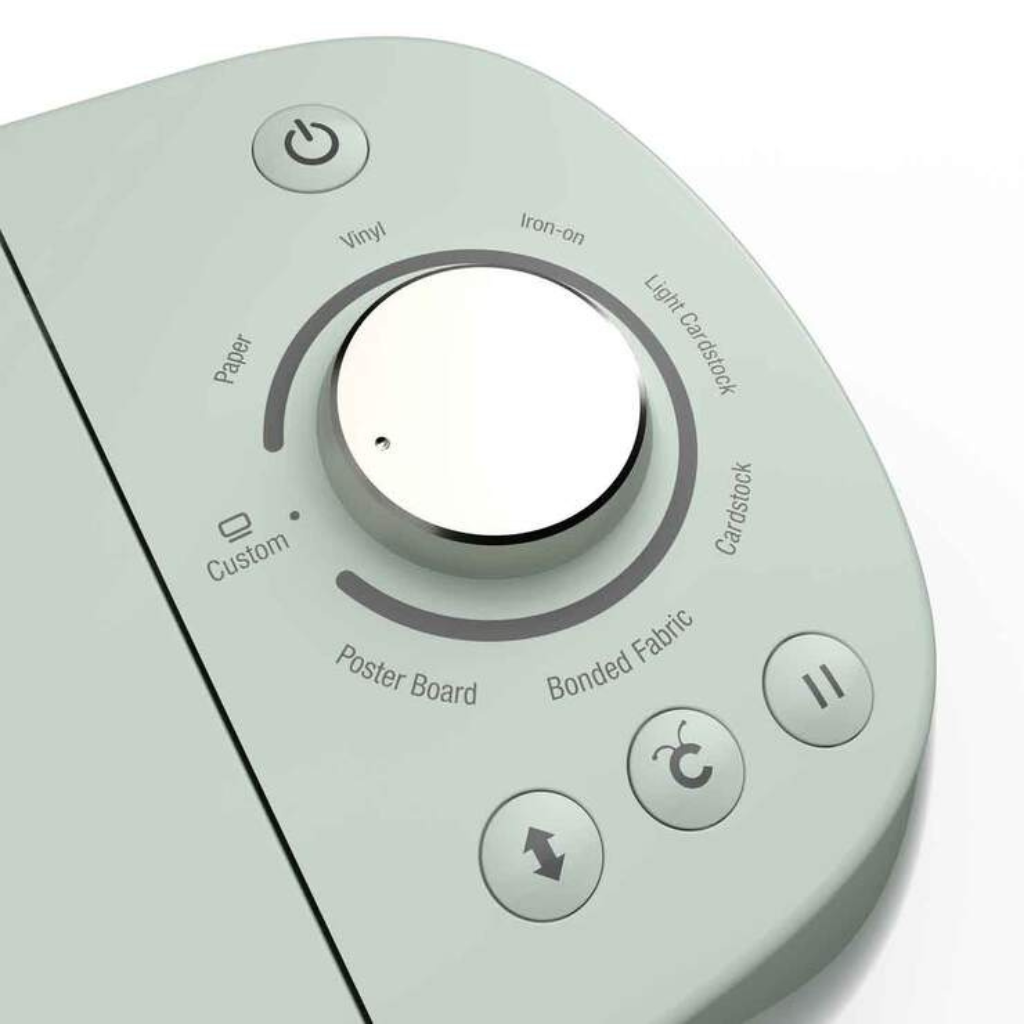
- Cuts 100+ materials, including cardstock, vinyl, iron-on, glitter paper & bonded fabric1
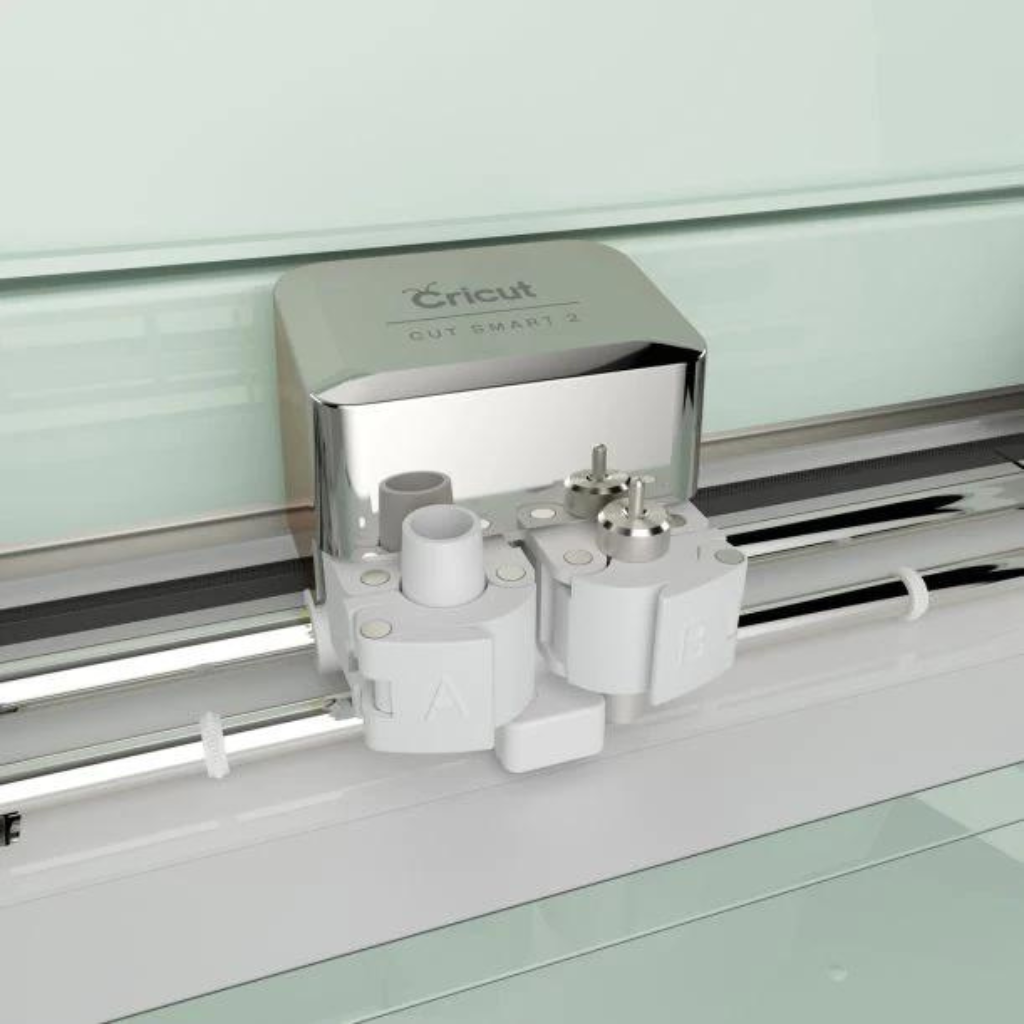
- Works with 6 tools to cut, write, score, foil & more (sold separately)2
- Use with the free Cricut Design Space® app
- Bluetooth® wireless technology*
- Built-in tool holder and extra storage to keep extra tools and accessories within reach
- For compatible materials see cricut.com/materials
- Additional tools sold separately. For compatible tools, see cricut.com/blades
Included
- Cricut Explore Air® 2 machine
- Premium Fine-Point Blade + Housing
- Fine Point Pen, Black
- LightGrip Machine Mat, 12 in x 12 in (30.5 cm x 30.5 cm)
- Welcome Book
- USB cable
- Power adapter
- Free trial membership to Cricut Access™ (for new subscribers)
- 50 ready-to-make projects
- Materials for a practice project
- 13-inch tool set
- Standard Grip transfer tape
- Everyday Iron on Sampler
- Everyday premium vinyl Sampler
Cricut 13-Inch Essential Tool Set
7-piece tool set to slice, snip, score, weed, burnish & trim a wide variety of materials!
Works with vinyl, iron-on, paper, Smart Materials™ & more; Perfect companion for all Cricut® cutting machines*. You’ll be equipped to precisely and expertly handle most DIY projects, from vinyl for decals to iron-on decor projects, to cardstock masterpieces – and that’s just the beginning.
13 in (33 cm) Portable Trimmer
It’s a cinch to cut straight lines when you use the 13 in (33 cm) Portable Trimmer. A unique easy-glide blade system yields precise, straight cuts, while an ergonomic, custom-fit handle provides a smooth grip over hundreds of cuts. The dual-hinged rail makes it simple to quickly load materials, measure, and cut from either side. Continuous measuring marks, rulers in inches and centimeters, and 1/4 in (0.3 cm) grid marks – along with a 16 in (40 cm) swing-out arm – help you measure for accurate results. Keep replacement blades in the convenient storage compartments on the underside of the trimmer.
Scraper and Spatula
This crafting duo aids in every project you can imagine, from delicate paper projects to snazzy vinyl decals. Use the Spatula to swiftly lift cut images from the machine mat. When working with vinyl, use your Scraper to burnish and apply designs with ease. Quickly remove scraps and debris when you’re done to prolong the life of your machine mat. It’s an essential companion for all Cricut cutting machines.
Weeder
Get out of the weeds and back into creating with this tool, designed specifically to handle a wide variety of materials and projects. Tackle weeding with the classic Weeder’s versatile, angled tip. Perfect for removing tiny cuts, including negative pieces of vinyl and iron-on from the carrier sheet, it’s the tool for every task, from simple crafts to your most detailed designs. It’s an excellent companion for all Cricut cutting machines.
Scoring Stylus
The Scoring Stylus lets you use your Cricut Explore® machine to score fold lines for cards and envelopes, boxes, 3D projects, and more. The Cricut Explore holds the Scoring Stylus and a cutting blade at the same time, so you can cut and score in one step—without changing mats! Includes one Scoring Stylus for use with Cricut Explore and Maker machines.
Everyday Iron-On
A community favorite, Cricut® Everyday Iron-On is thoughtfully engineered and rigorously tested to work flawlessly with your Cricut cutting machine. This amazing heat-transfer material outlasts 50 washes and works with the widest variety of base materials. It’s easy to add a little personality to everything from T-shirts to totes, home decor and so much more. Use one color or layer up to 4 to create standout designs. For best results, transfer using Cricut EasyPress®.
*Specifications are subject to change without prior notice & subject to availability
Contact us if you would like to enquire about this product




Felicia (verified owner) –
Bought it as a gift but I know my sister will love it